If you want to list a PG online in Bangalore, a property name and a few photos are not enough. Residents compare total cost, room sharing, food, commute, house rules and whether photos match the actual property. A complete, honest listing helps people decide whether to enquire and saves you from repeating the same answers.
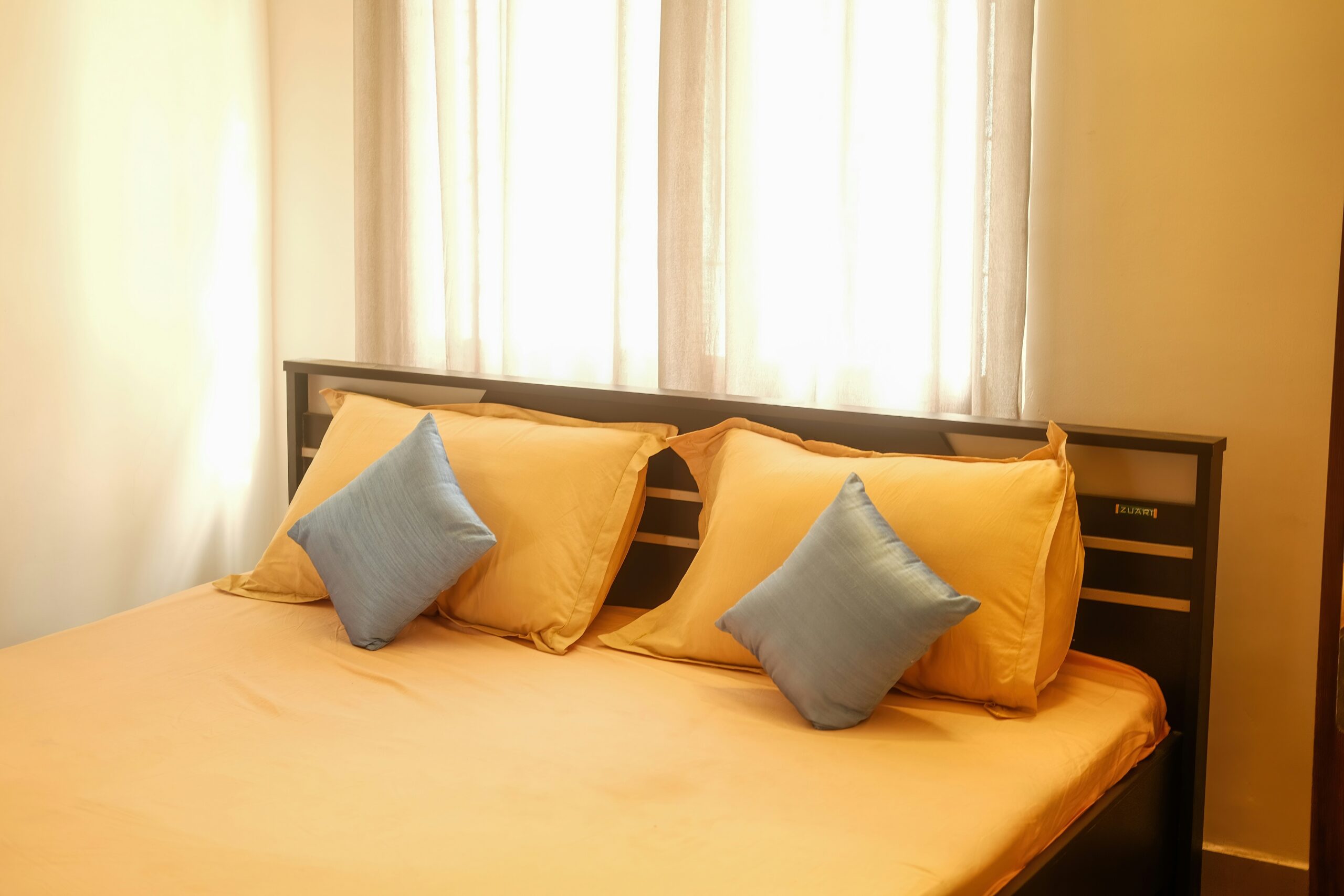
Illustrative image only, not an actual NiwasNest property. Photo by brbrihan__ on Unsplash.
Why prepare your PG listing before publishing?
Online discovery can widen the pool of people who find your property, but it cannot guarantee occupancy. Results still depend on location, pricing, condition, current vacancy, response time and whether the room suits the resident. Aim for relevant enquiries, not just a high enquiry count.
NiwasNest is positioned as a PG-discovery and booking platform. Its official website currently advertises free property listing and zero brokerage. Before onboarding, read the current owner terms and confirm the exact listing, booking, payment and service process directly with NiwasNest.
The 12-point PG listing checklist
1. Confirm the property details and your authority
Use the correct property name and contact details. If you manage the PG for someone else, make sure you are authorised to publish it and coordinate visits or bookings. Submit documents only through the platform’s approved process.
2. Give the exact location
State the area, nearby landmark and address details requested by the platform. Mention realistic routes to workplaces, colleges or transit points without promising an exact travel time.
3. Show the complete cost
State rent for each room and occupancy type. Separately explain the deposit, food, electricity, Wi-Fi, maintenance, laundry, parking and other applicable charges. Put refund conditions, deductions and notice-period terms in writing before payment.
4. Describe room type and occupancy accurately
Specify single, double, triple or other occupancy, and whether bathrooms are attached or shared. Do not advertise a shared room as private. Label sample-room photos clearly if they are not of the exact room available.
5. List only available amenities
Check each item before listing it: bed, mattress, cupboard, desk, hot water, power backup, lift, kitchen access, Wi-Fi, laundry, parking and common areas. Explain limits such as paid laundry or shared facilities.
6. Explain food arrangements
If meals are included, state which meals, approximate timings, weekly schedule and any extra charge. If food is not provided, say so. Avoid “everything included” when conditions or fees apply.
7. Use current, real photos
Photograph the actual entrance, bedroom, bathroom and common areas in good light. Do not use images from another property or hide defects. Keep the room tidy while showing its genuine condition.
8. Keep vacancy information current
Update the listing when a room is booked, becomes available or changes price. If only one room type is vacant, do not imply that every room is available.
9. Write house rules and move-in terms plainly
Explain visitor policies, quiet hours, guest rules, smoking or alcohol restrictions, notice period, cancellation terms and move-in requirements. Make sure the listing matches the written agreement.
10. Describe safety arrangements factually
State what genuinely exists, such as controlled entry, working locks, CCTV in permitted common areas, fire-safety equipment or an emergency contact. Avoid absolute claims such as “100% safe.” Confirm applicable local requirements with relevant professionals or authorities.
11. Help residents understand the commute
Mention nearby bus stops, metro stations, major roads, colleges or employment hubs where relevant. Encourage residents to check their own route at their usual travel time.
12. Set up a reliable enquiry process
Keep the contact number current, assign someone to answer enquiries and prepare clear responses about rent, deposit, availability and visits. Confirm important terms in writing. Do not pressure anyone to pay before they verify the property, recipient and conditions.
A practical five-step publishing process
- Collect the facts: Record room types, rent, deposit, included services, extra charges, vacancy and house rules.
- Take fresh photos: Show real rooms and facilities, and remove outdated images.
- Verify every claim: Check pricing, amenities, location and vacancy with the property manager.
- Review platform terms: Confirm onboarding steps, owner agreement, applicable charges and how bookings are handled.
- Maintain the listing: Respond to enquiries and update details whenever anything changes.
What helps attract better enquiries?
- Specific information: Make room arrangement and likely total cost clear before a person contacts you.
- Consistent photos: Match images to the advertised room type and current condition.
- Transparent terms: Explain deposits, refunds, notice periods and additional charges early.
- Useful replies: Answer the question asked and offer a visit or live video tour when practical.
- Honest availability: Update rooms that are no longer open for booking.
Avoid fake reviews, duplicate listings, inflated amenities or guaranteed-occupancy claims. These undermine trust and can create disputes.
What an online listing cannot guarantee
A listing does not guarantee a booking, a particular search position, a fixed number of enquiries or a specific occupancy rate. If a platform displays a verification label, understand what checks it actually represents. Owners remain responsible for accurate information, property condition and the agreements they make with residents.
How NiwasNest fits into the owner journey
The official NiwasNest website describes a PG-discovery journey where residents search, compare accommodation details and book online. It currently advertises free listing and zero brokerage for PG owners. These are website claims, not a substitute for the owner agreement. Confirm the onboarding process, applicable charges and booking terms before relying on them.
To explore the owner route, visit NiwasNest and choose the property-listing option. If you introduce another owner or share accommodation options with your network, read the NiwasNest Partner Program guide. Referral rewards and owner commercial terms are separate.
For platform context, read What Is NiwasNest? A Guide to PG Discovery. Residents comparing neighbourhoods may also find our Bengaluru PG area guide for freshers useful.
Frequently asked questions
Is it free to list a PG on NiwasNest?
NiwasNest’s official homepage currently advertises free property listing. Confirm the current owner terms and any charges related to bookings or other services before onboarding.
Will listing my PG guarantee tenants?
No. Bookings depend on location, pricing, condition, availability, resident fit and response time.
Which photos should I upload?
Use recent photos of the actual bedroom, bathroom, entrance and shared facilities. Label sample-room images clearly.
What should I disclose before booking?
Share the room arrangement, full cost breakdown, deposit and refund conditions, included services, house rules, notice period, availability and move-in requirements in writing.
How often should I update my listing?
Update it whenever rent, vacancy, room condition, amenities, rules or contact details change.
Ready to prepare your listing?
Start with accurate property details, current photos and written terms. Then visit NiwasNest to review the current owner-listing process. A good listing cannot guarantee a booking, but it gives prospective residents the information they need to make a better-informed decision.
Transparency note: StayGuide publishes educational content about NiwasNest, a related PG-discovery platform. This guide is general information, not legal advice or a guarantee of leads, bookings or occupancy. Confirm current platform terms and property-specific obligations before listing.